
Quick overview
If your phone or other small device took a dunk and the speaker is muffled, distorted, or silent, you can often improve the situation with careful, low‑risk steps. Acting quickly and avoiding common mistakes improves the chances of recovery and reduces corrosion or electrical damage.
Signs the speaker has water inside
- Muffled or hollow sound during media playback
- Crackling, static, or distorted audio at normal volumes
- Speaker works intermittently or only at certain angles
- No sound from the speaker but audio plays through headphones or Bluetooth
What to do first (immediately)
1. Power off and disconnect
Turn the device off right away. Removing power limits the risk of short circuits while moisture remains inside. If possible, remove any case, SIM/microSD tray and external accessories.
2. Don’t charge or press buttons repeatedly
Avoid plugging in the charger, using wireless charging, or turning the device on to test audio. Powering a wet device can cause shorts and increase damage.
3. Blot — don’t rub
Use a lint‑free cloth or paper towel to gently dab any visible water from speaker grills and ports. Avoid pushing water further into the mesh.
Safe drying methods that actually help
Air drying and positioning
Place the device in a warm, well‑ventilated spot with the speaker grill facing down or at an angle so water can drip away from internal components. Leave it powered off for at least 24–48 hours; longer is often better.
Use desiccants if available
Silica gel packets (the small desiccant pouches that come with shoeboxes and electronics) are more reliable than household rice. Place the device in a sealed container with several silica gel packets to help draw moisture out without the dust or starch that rice can introduce.
Low‑pressure air to expel water (carefully)
After a day or two of drying, you can try a few short bursts of low‑pressure air (a bulb blower or a can of compressed air held at a distance) aimed at the speaker grille to remove trapped droplets. Keep bursts short to avoid forcing moisture deeper into the device.
Vibration and sound‑based expulsion
Some people use a low‑frequency audio test tone or a dedicated “water eject” function (available in a few phone diagnostic tools) to vibrate the speaker and help dislodge water. If you try this, do so only after an initial drying period and use low volume to avoid damaging the driver.
What to avoid
- Do not use high heat (hair dryers set to hot, ovens, microwaves). Excess heat can warp plastic and damage internal parts.
- Don’t insert sharp objects or cotton swabs into the grille — you can damage the diaphragm or push debris in.
- Avoid unverified chemical remedies. Household solvents or liquids can leave residues and cause corrosion.
Testing after drying
After at least 48 hours of drying, power the device on and test audio gradually:
- Play a familiar audio file and compare sound quality.
- Make a call on speakerphone and listen for distortion.
- If you hear improvements but still notice issues, try pairing Bluetooth headphones to confirm the outgoing audio path and isolate the speaker as the problem.
When to seek professional repair
Home drying fixes help when moisture is the primary issue. Get professional help if:
- Sound remains distorted, very quiet, or absent after several days of drying
- Other functions are affected (screen, charging, cameras) — these indicate broader water ingress
- You see or smell corrosion, or the device shows error messages
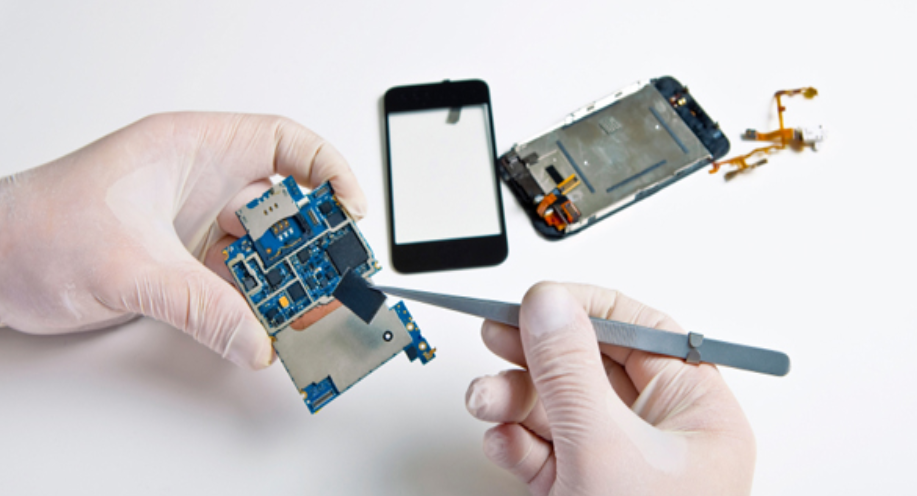
Technicians can perform a full disassembly to clean corrosion, replace a damaged speaker module, and test related components safely.
Alternatives while you wait
If you need sound immediately and the built‑in speaker is unreliable, use wired headphones, Bluetooth speakers, or wireless earbuds as a stable temporary solution. For instance, many people choose AirPods or similar true‑wireless earbuds when phone audio is unavailable — learning more about those options may help you decide while your device is being repaired. Apple AirPods Pro (2nd gen) are an example of an alternative if you want noise cancellation and reliable audio.
Preventing future problems
- Use a protective case with water resistance if you expect exposure to moisture.
- Keep ports and speaker grills free from debris and clean them gently with a soft brush.
- Know your device’s water‑resistance rating (IP ratings indicate protection levels) but remember that ratings do not make devices invulnerable.
FAQ
Can rice really save a wet speaker?
Rice can absorb moisture, but it’s slower and can introduce dust or starch. Silica gel packets are a cleaner, more effective option.
How long should I wait before turning the phone on?
Wait at least 24–48 hours of undisturbed drying; if possible, 72 hours reduces risk further. If you suspect heavy ingress, seek a technician before powering on.
Will water damage show up on warranty?
Many manufacturers exclude accidental water damage unless you have specific coverage. If in doubt, check warranty terms and consider professional diagnostics to know the full extent of damage.