

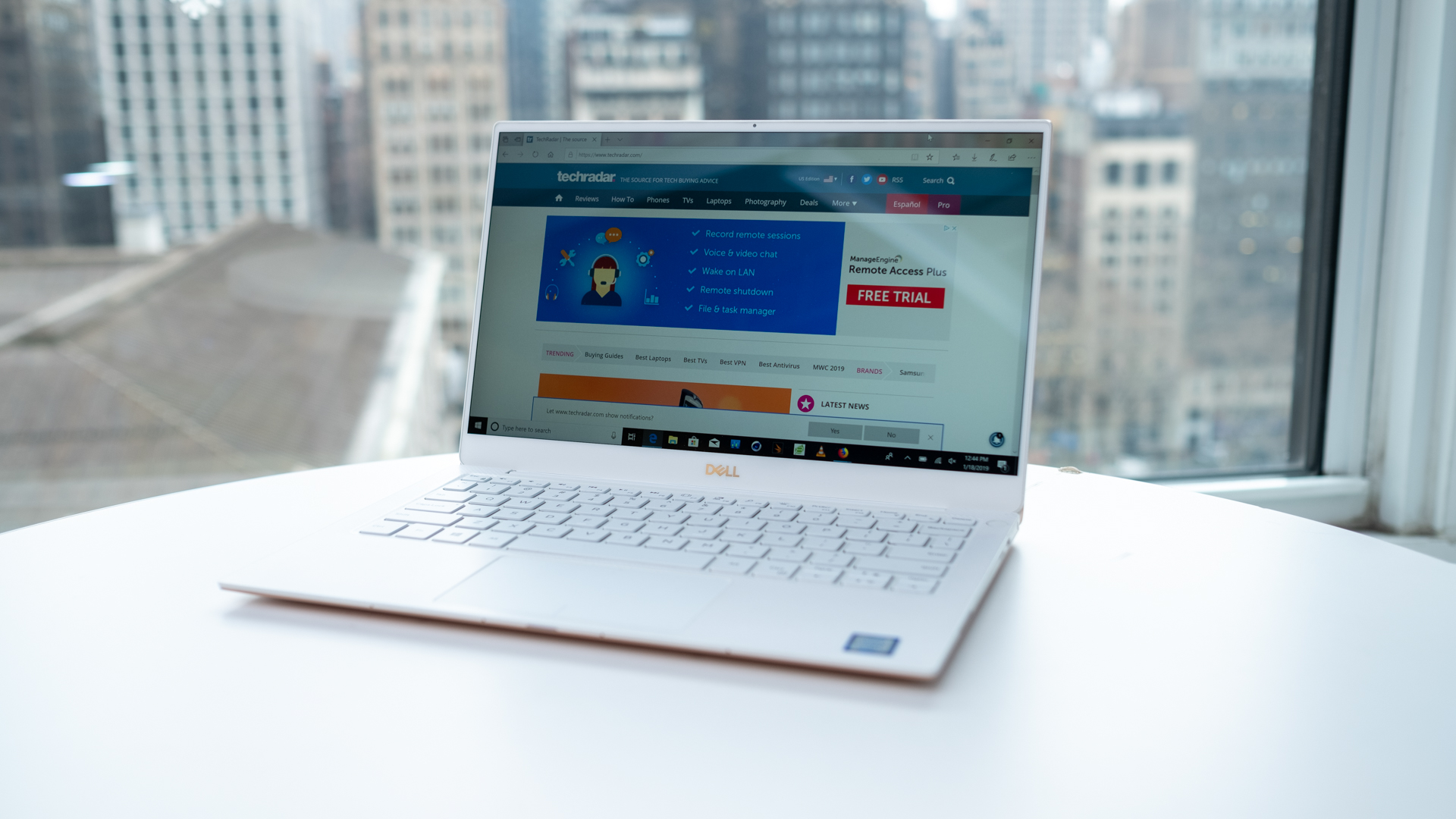
Writers—whether essayists, columnists or content creators—need machines that remove friction: comfortable keyboards, reliable performance, long battery life and enough storage to keep documents and research at hand. You don’t need a gaming rig; you do need a laptop that stays out of the way so you can focus on words. Below is a compact guide to what matters and 10 machines that fit common writing workflows.
What matters most for writers
When choosing a laptop for writing, prioritize these factors:
- Keyboard comfort: tactile feedback, key travel and layout affect typing speed and fatigue.
- Battery life: long runtime lets you write without hunting for outlets.
- Portability: weight and size matter if you move between cafés, studios and travel.
- Performance: a modern dual- or quad-core processor with 8 GB RAM is enough for word processing, browser research and light editing.
- Storage: a solid-state drive (SSD) makes everything feel snappier; 256 GB is a practical baseline.
- Display and readability: a matte or low-glare panel with comfortable contrast is easier on the eyes during long sessions.
Top 10 picks (shortlist and use-cases)
1. Acer Aspire E series (budget 15-inch)
Aim for the Aspire series if you want a budget-friendly 15-inch laptop that covers basic writing, web research and light multitasking. Look for versions with an SSD upgrade and a full-size keyboard if you type a lot.
2. HP 15 (mid-range with touchscreen option)
HP’s 15-inch models give solid everyday performance and commonly include a numeric pad and optional touchscreen. They are a good fit for writers who also do light photo editing or want the flexibility of touch.
3. Dell Inspiron (reliable mid-range)
Dell Inspiron laptops are a dependable choice for writers who value a stable build, comfortable keyboards and multiple port options. They come in several configurations—pick one with an SSD and at least 8 GB of RAM for smooth multitasking.
4. Apple MacBook Pro 13-inch (portable pro)
The 13-inch MacBook Pro model appeals to writers who prefer macOS, a high-quality display and a refined keyboard experience. MacBooks are often chosen by professionals who also need performance for creative apps.
5. Lenovo Yoga (convertible for note-taking)
Lenovo’s Yoga series (2-in-1 convertibles) is useful when you want a laptop that doubles as a tablet for annotating notes or working with a stylus. They tend to be thin, portable and comfortable for long sessions away from a desk.
6. Microsoft Surface Laptop
Surface laptops strike a balance between portability, battery life and a pleasant keyboard. They’re a solid pick for travel writers and anyone who values an accurate touchpad and a clean Windows experience.
7. MacBook Air (ultraportable)
For writers who prioritize weight and battery life over raw performance, MacBook Air-style ultraportables are excellent. Modern ultralights deliver long runtimes and a comfortable typing surface in a slim chassis.
8. Dell Inspiron 15 (value alternative)
If you prefer a simple, no-frills 15-inch laptop, many Inspiron 15 models give enough storage, a comfortable keyboard and the I/O ports writers often need—useful for home offices or students.
9. Asus Chromebook (budget, distraction-free)
Chromebooks are appealing when your workflow lives in the browser and you rely on Google Docs. They’re lightweight, fast for web tasks and often cheaper than Windows or macOS alternatives. Choose one with a good keyboard and an IPS screen for readability.
10. Asus Chromebook Flip (convertible Chromebook)
The Chromebook Flip combines portability and a convertible hinge; it’s a good option for writers who want a touchscreen for quick sketching or reading drafts in tablet mode while keeping the simplicity of Chrome OS.
Accessories and ergonomics
Good accessories extend a laptop’s comfort and usefulness. A separate mechanical or scissor-switch keyboard improves long typing sessions, and a laptop stand helps position the screen at eye level. For mouse users, an ergonomic pad reduces wrist strain—read more about ergonomic pads in this 3D mouse pads guide.
Quick buying checklist
- Keyboard: try it in person if possible—key feel matters more than spec sheets.
- Memory and storage: aim for 8 GB RAM and an SSD (256 GB or more when possible).
- Battery and portability: balance battery life with weight that you’re comfortable carrying daily.
- Screen: matte or low-glare and adequate brightness for your typical environment.
- Ports: make sure there’s at least one USB-A or USB-C and an audio jack; SD readers are convenient for photo-heavy workflows.
Final note
There’s no single “best” laptop for all writers. Match a machine to your habits: pick ultraportable models when you write on the move, mid-range laptops for home-based multitaskers, and Chromebooks if your work is browser-centric. Comfort and reliability will help your productivity more than the highest-end specs—choose a device that disappears into the background so your words come first.